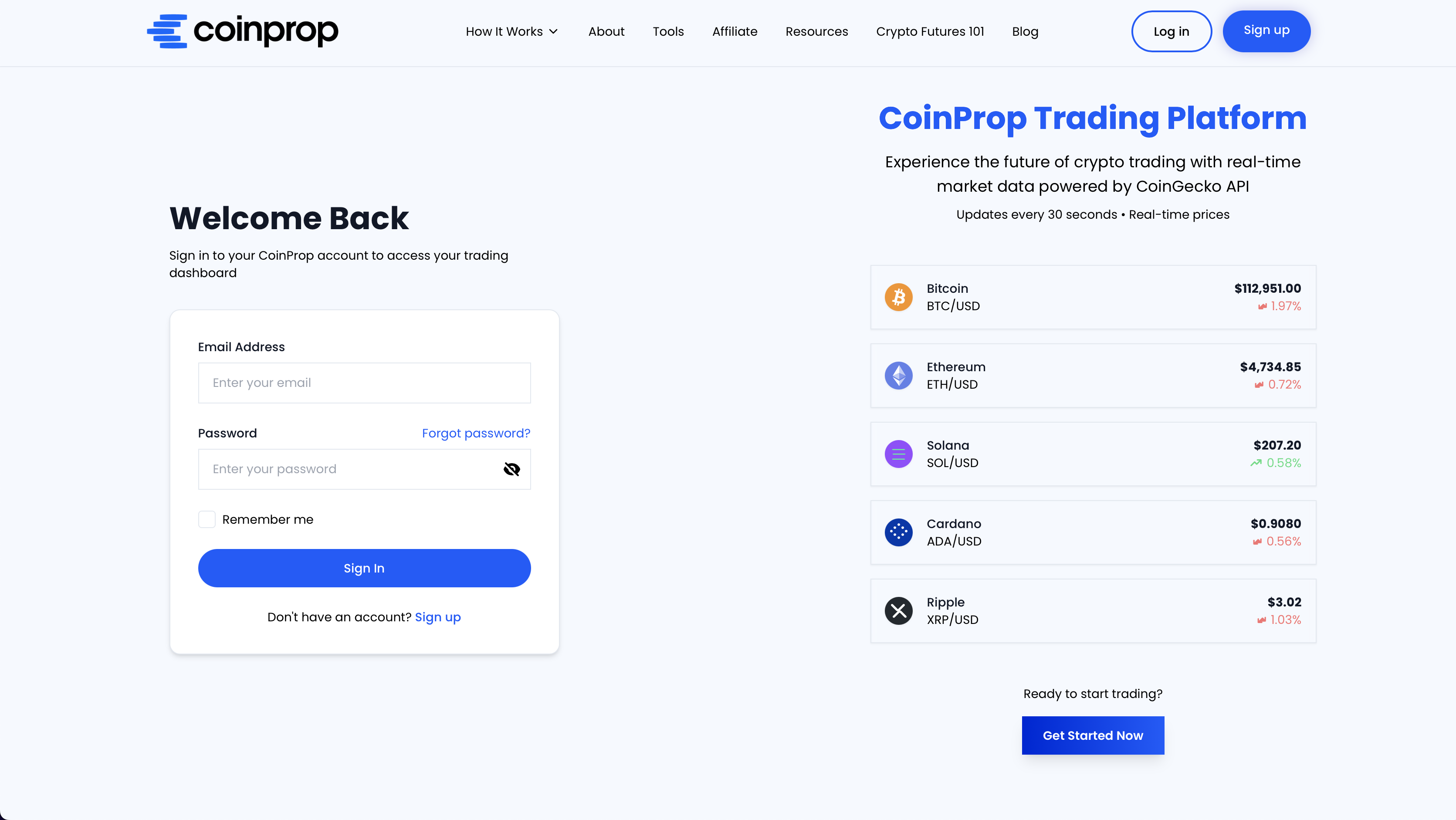
Step 1
Visit the CoinProp Official Website > https://www.coinprop.io
Step 2
On the homepage, click the “Sign up” button in the top-right corner.

Step 3
Fill in the necessary information on the registration page, such as your name and a password to create your CoinProp Account. After filling in your details, click the button to create your account.

Step 4
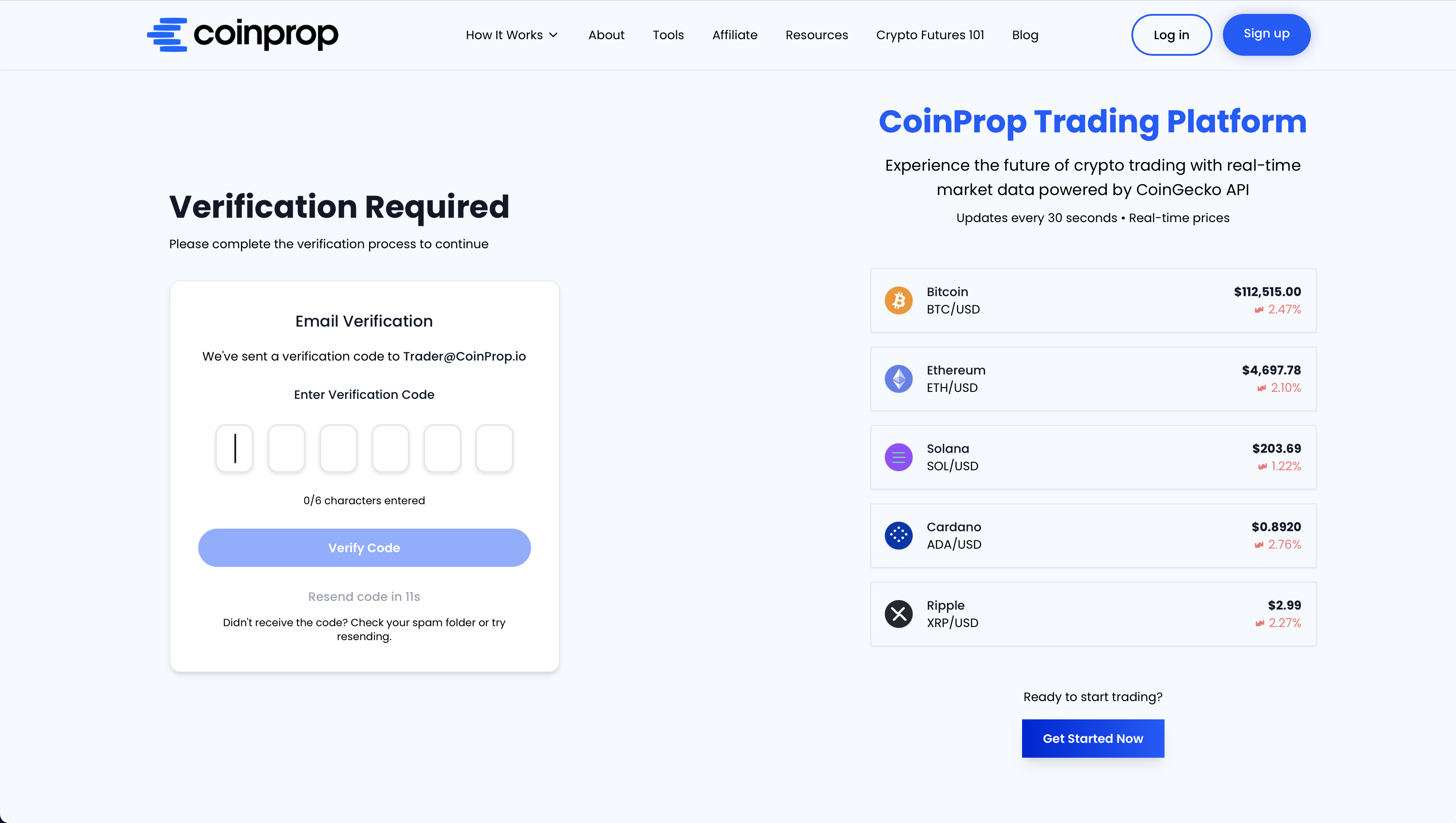
Check your email inbox for a verification code from CoinProp. The email will contain a One-Time Password (OTP) to verify your account.
If you don’t see the email, please check your spam or junk folder.

Step 5
Return to the CoinProp website and enter the 6-character verification code you received in the email. Click the “Verify Code” button to complete the registration.
Step 6
Your account is now created! You can now log in to your CoinProp dashboard using the email and password you registered with by clicking "Sign in".